
Follow this tutorial to create an email account in Plesk.
- Log in to your Plesk account.
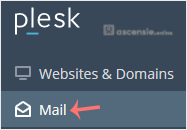
- Click Mail in the sidebar menu.
- Click Create Email Address.

- Under the General tab, fill in the following details:
- Email Address: enter an email, and if you have multiple domains, choose the appropriate one from the drop-down menu.
- Password: enter a password or click Generate to create one. Click Show to copy the password.
- Mailbox: select Default size or Another size and enter the amount of storage space.
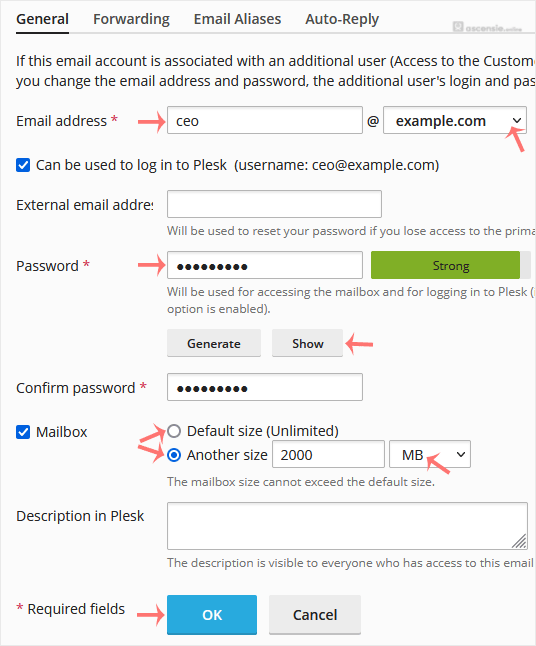
- Click OK.




Add Comment