
You can find our nameservers in your hosting welcome email. You need to update your domain's nameservers to ours.
If your domain is registered with 123-Reg, follow this tutorial to update your domain's nameservers.
- Open the 123-Reg website and click Sign In. Then click Sign-in in the pop-up window.
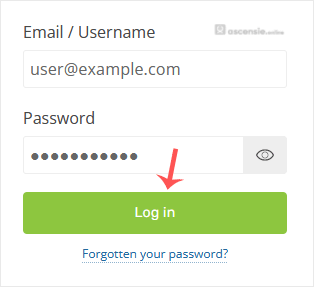
- Enter the username and password of your 123-Reg account and click Sign-in.
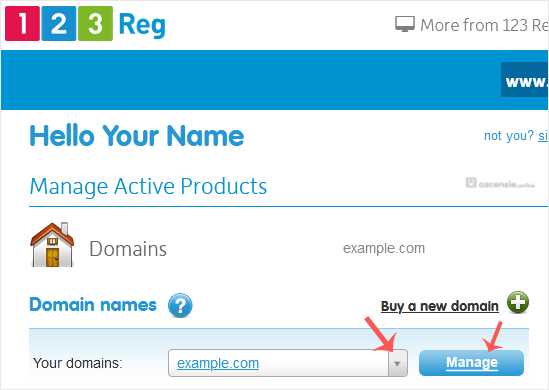
- Under the Domains section, click DNS next to the domain you want to manage.
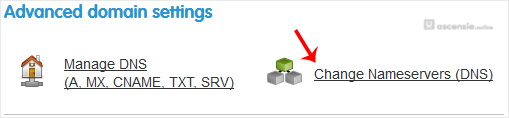
- Click the Nameservers tab and then Change Nameservers.
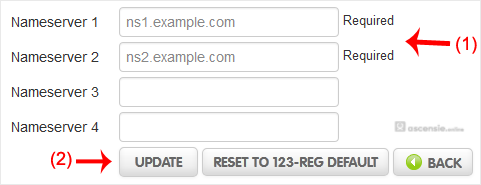
- Choose the I'll use my own nameservers option and enter your nameservers in the designated fields. You will see a success message.

Note: It may take anywhere from 12 to 24 hours for the changes to take effect worldwide.




Add Comment