
We hope you have already read our tutorial on how to set up a cPanel email account on Android and have added the built-in email widget to your Android screen. cPanel lets you send email using various IMAP/POP/SMTP technologies.
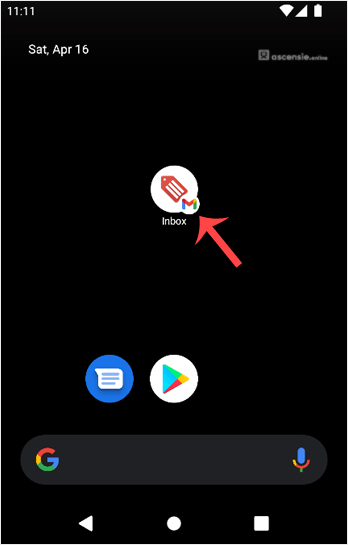
- Open your Email inbox or the Gmail app.
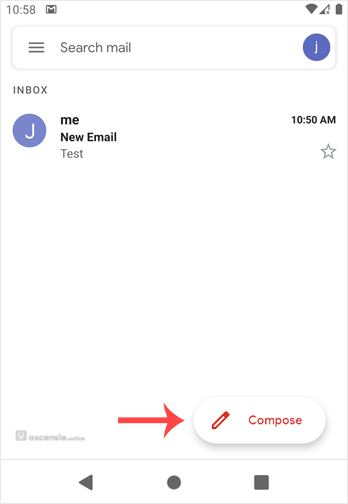
- In the Mail app, tap Compose.
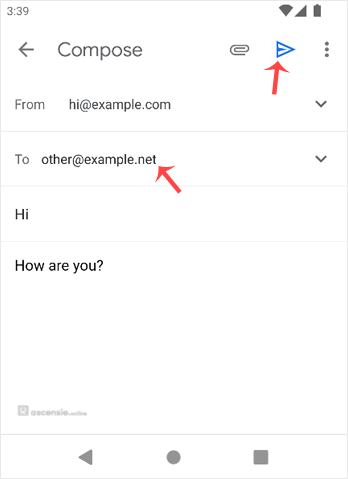
- Enter the recipient's email address in the To field. Enter the subject and type your message. Then tap Send.




Add Comment