
Thunderbird is an email client. You can use it as follows.
- Open Mozilla Thunderbird.

- In the left panel you can see a list of your email accounts. Double-click Inbox, or if it is hidden, click your email address to expand it and show the inbox, trash, and more.
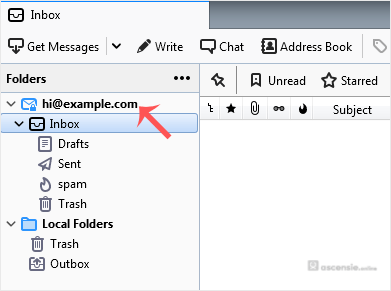
Another option is to right-click the email address and choose Get Messages.
Thunderbird also checks for email automatically every 5 to 10 minutes, and whenever you open the program.




Add Comment