
You can easily install a WordPress theme and activate it manually. Follow the steps below to do so.
- Log in to the WordPress dashboard.
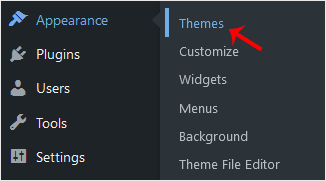
- From the Dashboard menu, go to Appearance and click Themes.
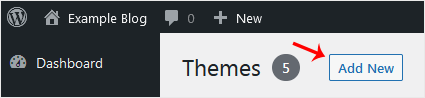
- Click Add New Theme.
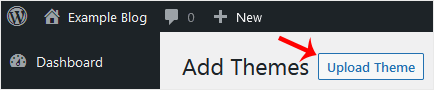
- Choose Upload Theme.
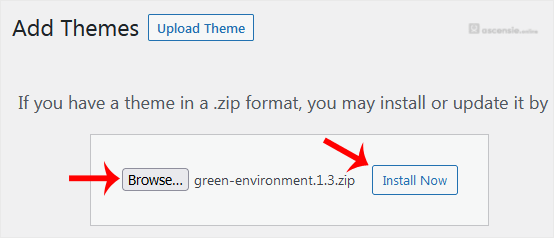
- Click Browse, choose the theme from your computer, and click Install Now.
- It takes a few moments to install. After that, click Activate.
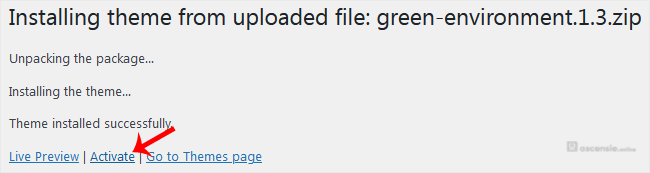
Congratulations, you have installed and activated a new WordPress theme.




Add Comment