
WordPress plugins are very useful. You can easily install a plugin from the WordPress dashboard.
- Log in to the WordPress dashboard.
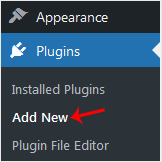
- From the Dashboard menu, go to Plugins and click Add New.
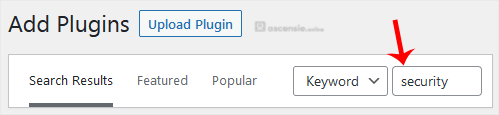
- Use the Search filter to find plugins. Type Security to find plugins related to it.
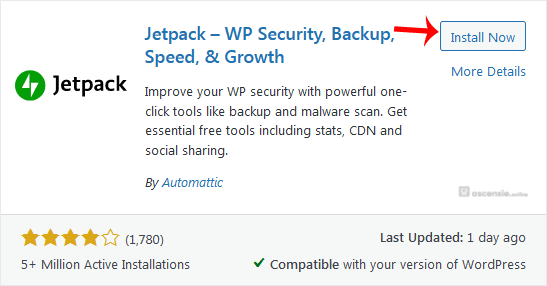
- The available plugins matching the keyword Security will appear. Click Install Now next to the plugin's name.
- The installation can take a few moments. Once the Activate option appears, choose it.
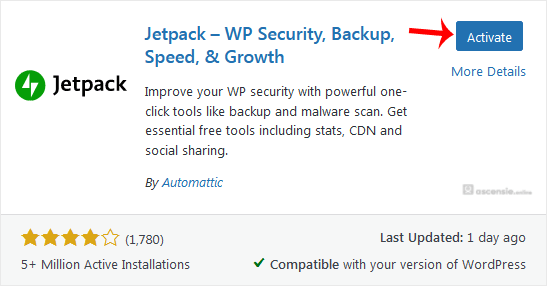
Note: After activating a plugin, a new menu for that plugin is added to the Dashboard menu. If a plugin requires setup, it will display an option to complete it.




Add Comment