
Follow these steps to change your Plesk account password.
- Log in to your Plesk account.
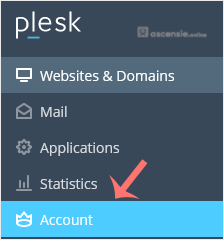
- Click Account in the sidebar menu.
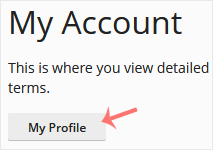
- Click My Profile.
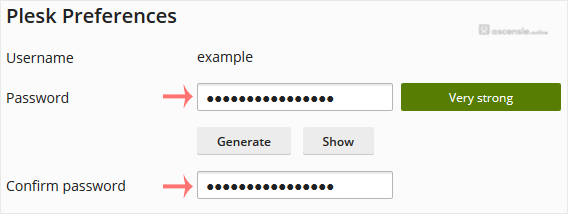
- In the password field, enter your password or click Generate to generate one.
- Click OK to confirm the changes.
You can now log in with the new password.




Add Comment