
Follow these steps to change the language of the Plesk Panel.
- Log in to your Plesk account.
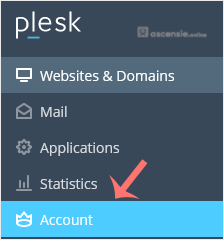
- Click Account in the sidebar menu.
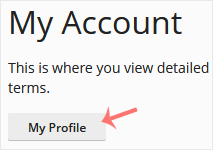
- Click My Profile.
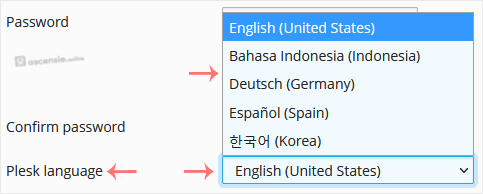
- Scroll down to Plesk language and choose the appropriate language from the drop-down menu.
- Click Apply.

The language in your Plesk account has been successfully changed.




Add Comment