
Volg deze stappen om de taal van het Plesk-paneel te wijzigen.
- Log in op je Plesk-account.
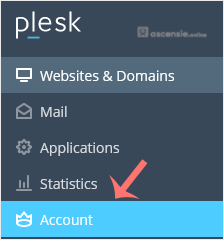
- Klik op Account in het zijmenu.
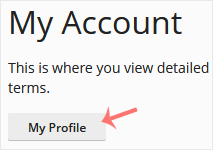
- Klik op My Profile.
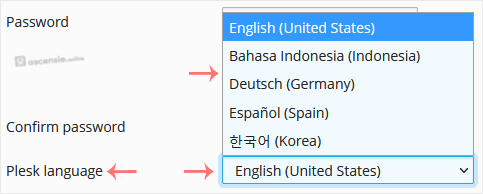
- Scroll naar Plesk language en kies de gewenste taal in het uitklapmenu.
- Klik op Apply.

De taal in je Plesk-account is succesvol gewijzigd.




Add Comment