
You can quickly check disk and bandwidth usage in Plesk.
- Log in to your Plesk account.
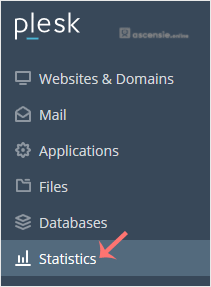
- Click Statistics in the sidebar menu.
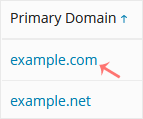
- If you have multiple domains, click the appropriate domain.
- The disk usage is shown on the left side. The right side displays your traffic/bandwidth usage.
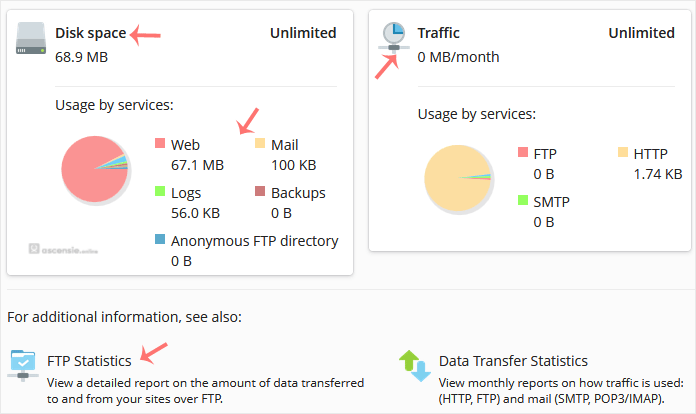
You can also check the detailed statistics for FTP, Data Transfer and Web Statistics.




Add Comment