
You can change the view mode in Plesk as follows.
- Log in to your Plesk account.
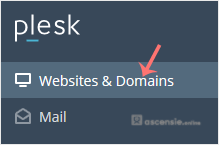
- Click Websites & Domains in the sidebar menu.
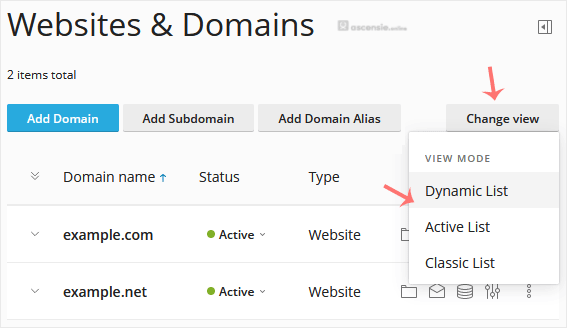
- If the view mode is Dynamic List, click Set view on the right side and switch to your preferred mode.
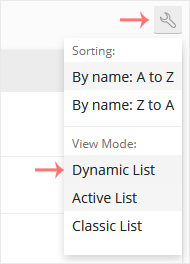
- If the view mode is Active, click the wrench icon to change it.




Add Comment