
Follow this tutorial to edit or delete scheduled tasks (cron jobs) in Plesk.
How to edit a scheduled task
- Log in to your Plesk account.
- Click Websites & Domains in the sidebar menu.

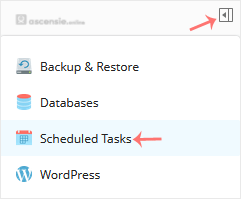
- Click the pull icon in the right sidebar and choose Scheduled Tasks.
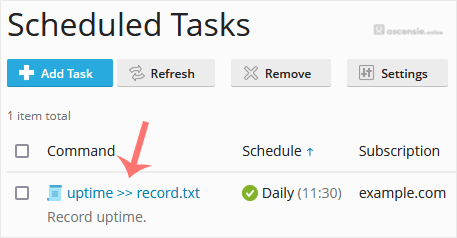
- Under the Command list, locate your task and click it.
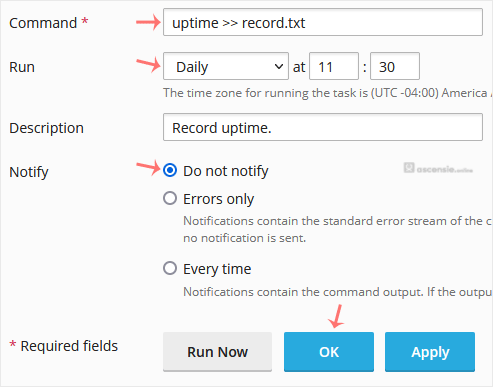
- Make the appropriate changes and confirm with OK.
How to delete a scheduled task
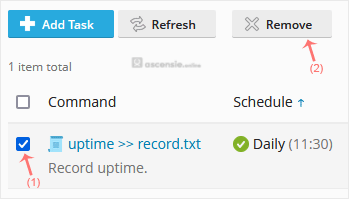
- Select the tasks you want to remove under the Command list and click Remove.
- A confirmation box will appear. Click Yes and the selected task will be removed.




Add Comment