- Log in op je Plesk-account.
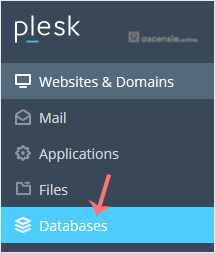
- Klik op Databases in het zijmenu.
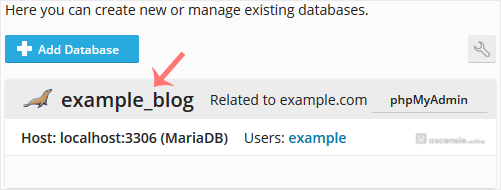
- Kies de database die je wilt verwijderen uit de lijst met databases.
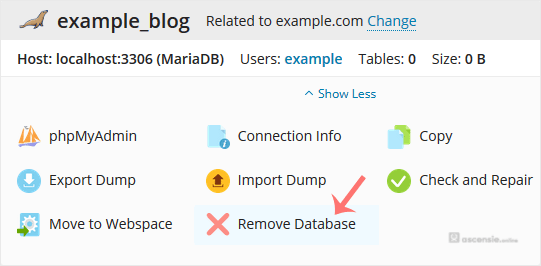
- Ga verder met Remove Database. Er verschijnt een bevestigingsvenster. Bevestig met Yes.
Je database wordt verwijderd.

Je database wordt verwijderd.




Add Comment