
- Log in to your Plesk account.
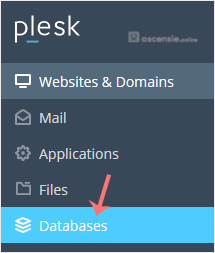
- Click Databases in the sidebar menu.
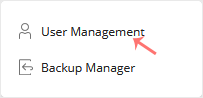
- Click User Management in the right sidebar.
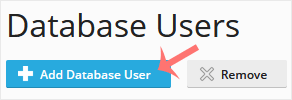
- Under Database Users, click Add Database User.
- Under Adding Database User, fill in the following details:
- Database user name: Enter a database username, such as blog.
- Password: Enter a password or click Generate to create one. Then click Show and copy the password to a safe place.
- Database: Choose the appropriate database from the drop-down menu.
- Access Control: Choose the appropriate option for your needs.
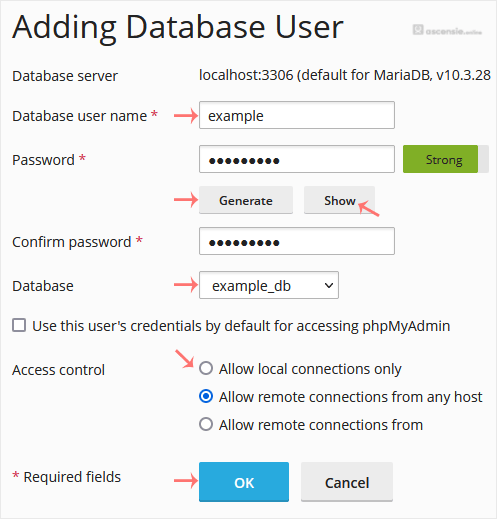
- Confirm with OK.
Your new database user will be created.




Add Comment