- Log in to your Plesk account.
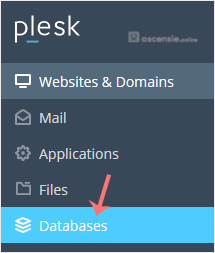
- Click Databases in the sidebar menu.
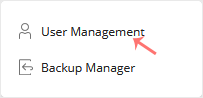
- Click User Management in the right sidebar.
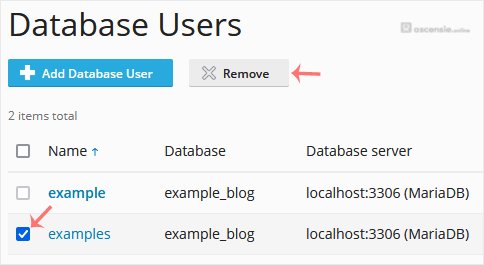
- Under Database Users, check the database user you want to remove and click Remove.
- A confirmation box will appear. Confirm with Yes to remove the user.





Add Comment