
Een subdomein is een extra onderdeel van je hoofddomein. Volg deze handleiding om een subdomein te verwijderen in Plesk.
- Log in op je Plesk-account.
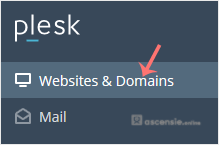
- Klik op Websites & Domains in het zijmenu.
- Klik in de lijst met Domain names op het More-icoon
 voor het subdomein en selecteer Remove subdomain.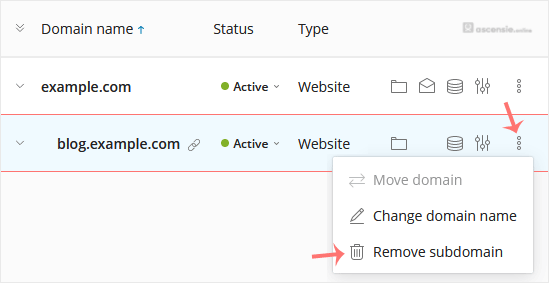
- Bevestig met Yes om het subdomein te verwijderen.




Add Comment