
You can change your email password in Plesk through the following steps:
- Log in to your Plesk account.
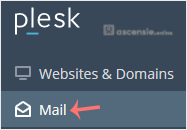
- Click Mail in the sidebar menu.
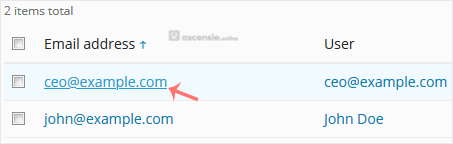
- In the email list, click the email account whose password you want to change.
- In the Password field, enter a password or click Generate to generate one. Click Show to display the password and then copy it.
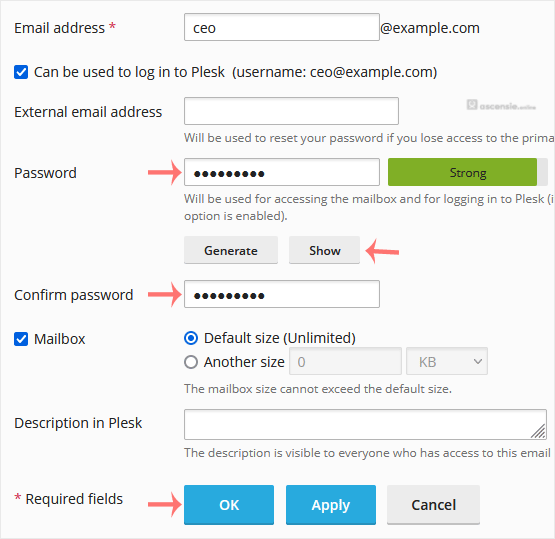
- Click OK.




Add Comment