


Your website is running, customers can find you, and everything works — until the moment it doesn't. A failed update, a slow-loading page right before a campaign, or a security breach you only notice once it's too late. For many business owners, that's the tipping point where one question comes up: do I keep managing my WordPress site myself, or do I outsource it to managed WordPress hosting?
The difference between those two choices affects more than just your monthly bill. It determines how much time you spend on technology, how fast and secure your site is, and what happens when something goes wrong. In this guide we lay out both options clearly side by side, so you can make a choice that fits your business — not someone else's.
What's the difference, really?
WordPress hosting comes in roughly two flavors. It's important to be clear on those first, because the terms are often used interchangeably.
Managing it yourself (unmanaged or standard hosting) means the hosting provider gives you the server space and the basic infrastructure, and you're responsible for the rest. You install WordPress, run updates, arrange backups, secure the site, and fix problems when something breaks. You have full control — and with it, full responsibility.
Managed WordPress hosting flips that relationship around. The provider takes the technical management off your hands: updates, security, daily backups, speed optimization, and monitoring all happen automatically in the background. You focus on your website and your business; the maintenance is taken care of. At Zentic, this is exactly the premise of Managed Hosting: “Updates, security, and speed — handled by us.”
So the difference isn't the hosting itself, but who does the work. And that work is more than it might seem at first glance.
What's involved in managing WordPress yourself?
WordPress is popular because it's accessible. But “building a site” and “keeping a site secure and fast” are two different things. If you manage it yourself, these tasks land on your plate on a regular basis:
- Core, theme, and plugin updates. WordPress releases updates regularly, as do your theme and every plugin you use. Updates fix security vulnerabilities, but they can also cause conflicts that take your site down. Before you apply an update, you ideally want to test it first.
- Security. WordPress is the most widely used CMS in the world, and that makes it a popular target. Brute-force attacks on your login page, vulnerable plugins, and malware are real risks. You need a firewall, monitoring, and hardening.
- Backups. A backup you don't have the moment you need it doesn't exist. You want daily, automatic backups and the certainty that you can actually restore them.
- Speed and performance. Caching, image optimization, a solid server configuration, and database maintenance determine whether your site loads in one second or in seven. Slow sites cost you visitors and your ranking in Google.
- Troubleshooting. A white screen (the infamous “white screen of death”), a 500 error, or a suddenly unreachable site — if you manage it yourself, you're the first-line help desk.
None of this is impossible to do yourself. The only question is: is this what you want to spend your time on?
The real costs: time, money, and risk
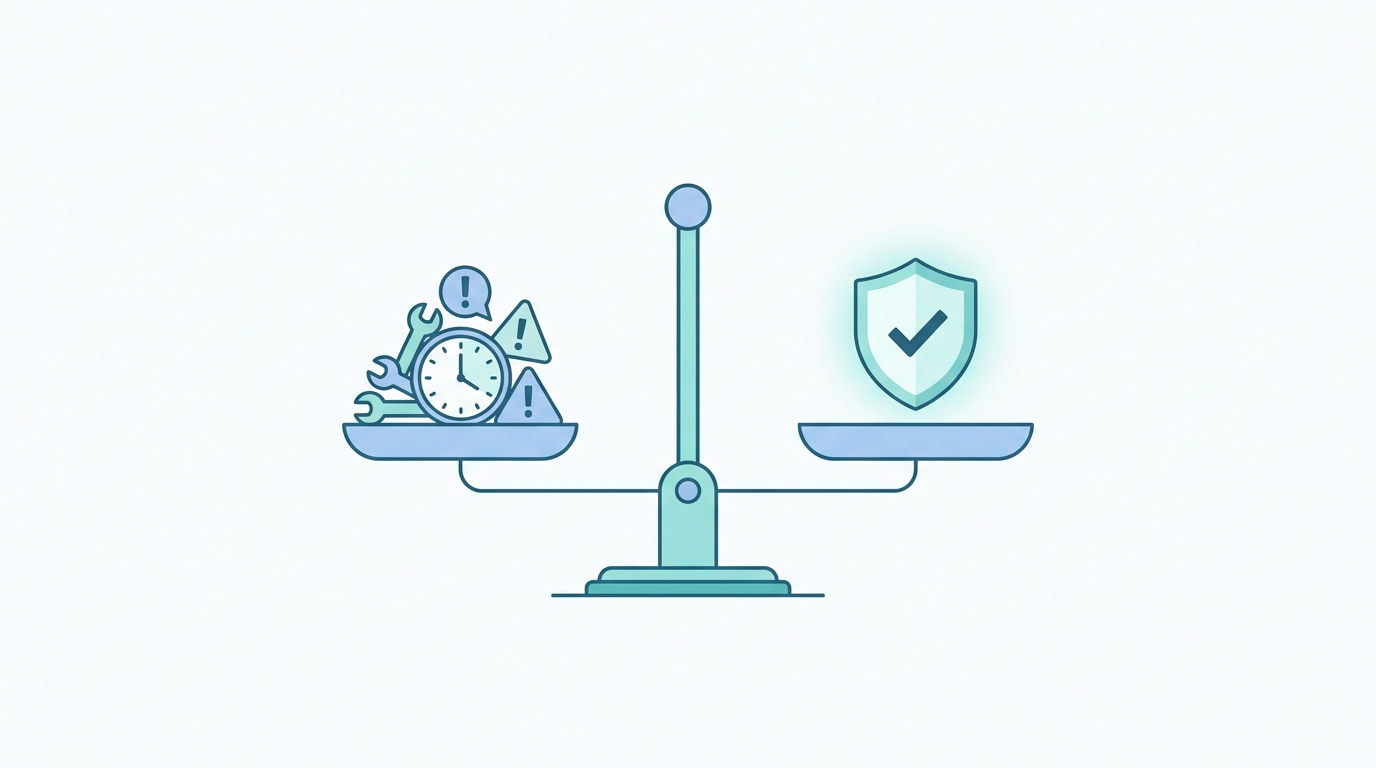
Most comparisons look only at the monthly bill. Standard hosting is cheaper than managed hosting, which makes the choice seem easy. But that's an incomplete picture. There are three cost factors you need to weigh in.
1. Time
Work out honestly how many hours per month you spend on updates, checks, and fixing problems. For an active business site, a few hours a month is not unusual — and those are the good months, when nothing goes wrong. What's your hourly rate? Multiply it by those hours. The “cheap” option then often turns out more expensive than it looks.
2. Money
When you manage it yourself, separate costs quickly add up: a premium backup plugin, a security subscription, a caching solution, and sometimes an external developer when something breaks. With managed hosting, all of that is included in one monthly fee. At Zentic, regular WordPress Hosting starts at €19 per month, and with Managed Hosting from €27 per month you're fully taken care of.
3. Risk
This is the factor that's forgotten most often. What does a day offline cost you? A hacked site that leaks customer data? A backup that turns out not to work after all? For a hobby project, that's annoying. For a business whose revenue and reputation depend on its website, it's a serious business risk. Managed hosting is essentially an insurance policy that largely takes that risk off your hands.
Who is managing it yourself the right choice for?
Managing it yourself isn't the wrong choice — for the right person and situation. It's a good fit for you if:
- You're technically skilled and understand WordPress, servers, and security (or enjoy learning them).
- You want maximum control over every setting and don't want a “black box.”
- You run a personal project, test environment, or low-traffic site where downtime causes no direct damage.
- You have time to spare and don't need to turn your hours into billable work.
Recognize yourself in this? Then managing it yourself gives you freedom and saves you on the monthly fee.
Who is managed WordPress hosting the right choice for?
For the vast majority of business owners and small and midsize companies, managed hosting is the more logical choice. It's a fit for you if:
- Your website is a business calling card or sales channel that simply has to work.
- You'd rather spend your time on running your business, customers, and growth than on technology.
- You have no technical background — or you do, but your hours are more valuable elsewhere.
- You want peace of mind: knowing that updates, security, and backups are taken care of without you having to keep an eye on them.
- You want to be able to call a WordPress specialist when there's a problem, instead of searching a forum yourself.
At Zentic, that means, among other things: daily automatic backups, active security, automatic updates of WordPress core and plugins, servers optimized specifically for WordPress, and expert support that's ready for you on business days. And should you want to switch: your website and email are migrated free of charge, with no downtime.
Managed vs. managing it yourself: the comparison at a glance
| Aspect | Managing it yourself | Managed WordPress hosting |
|---|---|---|
| Updates | You run and test them | Handled automatically |
| Security | Your responsibility | Active security included |
| Backups | Set up and check them yourself | Daily and automatic |
| Speed | Optimize it yourself | Optimized servers |
| Support | Forums and figuring it out yourself | WordPress specialists |
| Time per month | Several hours (or more) | Virtually none |
| Monthly price | Lower | Higher, but all-in |
| Hidden costs | Plugins, tools, developer | Included |
| Ideal for | Technical users, hobby | Business owners, SMBs, business sites |
How do you make the call?
Ask yourself three honest questions:
- What is my website worth to me? If revenue, leads, or reputation depend on it, reliability outweighs saving a few euros a month.
- What is my time worth to me? Convert the hours you spend on management into money. Managed hosting often pays for itself.
- What happens if it goes wrong? Can I afford to be offline for a day? Can I fix a hack myself? If the answer is “no” or “I'd rather not,” managed hosting is your safety net.
For most business owners, all three answers point in the same direction: being taken care of isn't a luxury, but a sensible investment.
Conclusion
The choice between managing it yourself and managed WordPress hosting isn't about “cheap versus expensive,” but about where you want to put your time, energy, and responsibility. Managing it yourself gives you control and saves on the monthly fee, but it requires knowledge, time, and the willingness to be your own first-line technician. Managed hosting costs a bit more per month, but it gives you peace of mind, speed, security, and a specialist on call — so you can focus on your business.
Still on the fence? Then start with the value of your website and your time. Do you just want everything to work, without having to think about it? Then managed WordPress hosting is probably the choice you're looking for.
Ready to hand your site over? Take a look at Zentic's Managed Hosting — including free migration, daily backups, and a 30-day money-back guarantee. Updates, security, and speed: handled by us.
Frequently asked questions
What is the difference between managed and standard WordPress hosting?
With standard hosting, you manage WordPress, updates, security, and backups yourself. With managed WordPress hosting, the provider takes that technical management entirely off your hands, so you only have to focus on your website.
Is managed WordPress hosting worth the higher price?
For business sites, usually yes. The monthly fee is higher, but you save on management time, separate tools (backup, security, caching), and the risk of downtime or a hack. Weigh the difference against your own hourly rate and the importance of your site.
Can I move my existing WordPress site to managed hosting?
Yes. At Zentic, the migration of your existing website is free and carried out by specialists, so you don't lose any content or email when you switch.
Can I switch from managing it myself to managed later on?
Absolutely. Many business owners start by managing it themselves and switch as soon as their website grows or maintenance takes too much time. A good provider makes that switch easy.