


On 20 May 2026, WordPress 7.0 arrived, codenamed “Armstrong” — and it is immediately one of the biggest core updates in years. Where most WordPress releases bring mainly small improvements, version 7.0 lays an entirely new foundation: native AI, a dashboard that finally feels like modern software, and handy new building blocks.
But what does that actually mean for you as an entrepreneur? In this article we walk through the 4 most important new features of WordPress 7.0, explain what they mean for your website, and tell you what to watch out for before you upgrade.
1. Native AI integration: WordPress becomes an AI platform
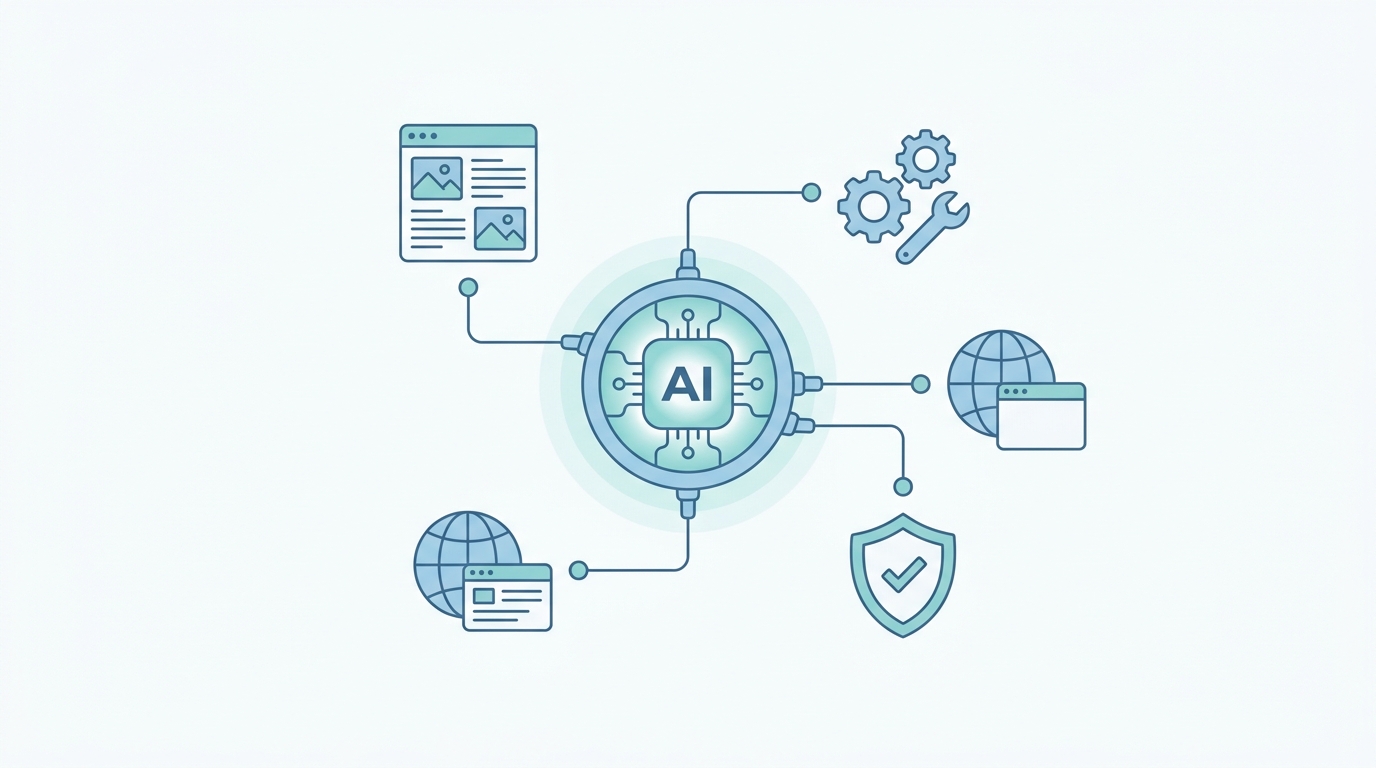
The biggest change in WordPress 7.0 sits under the hood. For the first time, AI is built into the core of WordPress itself — not as a separate plugin, but as a platform capability. Important to understand: this is not a built-in AI writer. It is the infrastructure on which AI features can run reliably.
In practice, that infrastructure consists of a few parts:
- AI Client — a core component that lets WordPress communicate with generative AI models, without every plugin having to build its own connection.
- Abilities API — a standardised registry that tells AI services exactly what your site can do.
- Connectors screen — a central place to manage external AI connections.
- Model Context Protocol (MCP) — allowing AI assistants such as Claude and ChatGPT to work with your WordPress site in a safe, structured way.
For you, this means the AI plugins you use in the future will work faster, more consistently and more securely, because they all build on the same foundation. WordPress is now ready for an era in which AI becomes a fixed part of website management.
2. A completely redesigned admin dashboard
If you have ever worked in WordPress, you know the endless lists of posts, pages and media that feel like a database table from 2005. In WordPress 7.0 those screens have been rebuilt from the ground up using so-called DataViews, and the difference is significant.
What changes:
- A modern, SaaS-like look for the lists of posts, pages and media.
- Inline filtering, sorting and grouping — without the page reloading each time.
- Multiple views: choose between table, grid or list view.
- Visual consistency with the block editor, so management feels like one whole.
The result is an admin environment that works faster and more pleasantly — especially if you publish content regularly or manage a site with many pages. There is also a new Command Palette: press ⌘K (or Ctrl+K) and navigate all screens and features with fuzzy search, just like in modern developer tools.
3. Visual revisions: see exactly what changed
Anyone who has ever rolled back a change knows the old revisions screen: two columns of green and red text where you have to figure out yourself what was actually adjusted. In WordPress 7.0 that has been replaced by a visual revision history in the block editor.
Here is how it works now:
- You scrub through earlier versions of a page or post with colour-coded overlays.
- You see at a glance what actually changed — not just isolated lines of text.
- With a single click you restore the version you want.
This sounds like a detail, but in practice it saves a lot of time and frustration. Undoing a wrong change becomes a matter of seconds instead of searching, which lowers the threshold to experiment with your content.
4. Two new native blocks: Breadcrumbs and Icons
Finally, WordPress 7.0 adds two new blocks that were previously only available via plugins — exactly the kind of cleanup many sites benefit from.
- Breadcrumbs block — adds hierarchical navigation paths (such as Home › Blog › This article) without a separate plugin. Good for usability and for SEO.
- Icons block — place scalable icons directly in your content, without an external icon library or CSS fiddling.
Every plugin you can drop is a win: less maintenance, less security risk and a faster site. With these blocks in core, you no longer need extra software for two commonly used functions.
What is (still) missing?
To be fair: not everything that was promised made the release.
- No real-time collaboration. The long-awaited feature to work on a page with multiple people at once has been postponed.
- No new default theme. “Twenty Twenty-Six” was not released; a new theme will follow later.
Important before you upgrade
WordPress 7.0 is a major release, and major releases call for caution. Two points of attention:
- A modern PHP version is required. WordPress 7.0 places higher demands on your server environment. If your site still runs on an outdated PHP version, that needs upgrading first (PHP 8.x is recommended).
- Test in a safe environment first. Plugins and themes can conflict with a major core update. Never upgrade blindly on your live site — test in a staging environment first and make a backup.
And that is exactly where the difference lies between updating yourself and outsourcing it. With Managed Hosting from Zentic, WordPress core and plugins are updated automatically and in a controlled way, your site runs on a modern, optimised PHP environment, and daily backups are ready as a safety net.
Conclusion
WordPress 7.0 “Armstrong” is more than an average update. With native AI integration, a completely redesigned dashboard, visual revisions and new built-in blocks, it lays the foundation for the coming years. The features make WordPress faster, more pleasant and more future-proof — provided you approach the upgrade carefully.
Ready for WordPress 7.0 without the hassle? With Managed Hosting from Zentic we handle updates, security and speed — including free migration and a 30-day money-back guarantee.
Frequently asked questions
When was WordPress 7.0 released?
WordPress 7.0, codenamed “Armstrong”, was released on 20 May 2026. The release was originally planned for 9 April, but was postponed due to an architectural issue.
What is the most important new feature of WordPress 7.0?
The biggest change is native AI integration: with the AI Client, Abilities API and the Connectors screen, WordPress gains a built-in foundation on which AI features can run reliably.
Should I update to WordPress 7.0 right away?
Not blindly. Make a backup first, check whether your plugins and theme are compatible, and test in a staging environment. With managed hosting this is done for you in a controlled way.
Will WordPress 7.0 work on my current hosting?
That mainly depends on your PHP version; 7.0 requires a modern environment (PHP 8.x recommended). At Zentic your site runs on an optimised, up-to-date PHP version by default.